

Abstracts
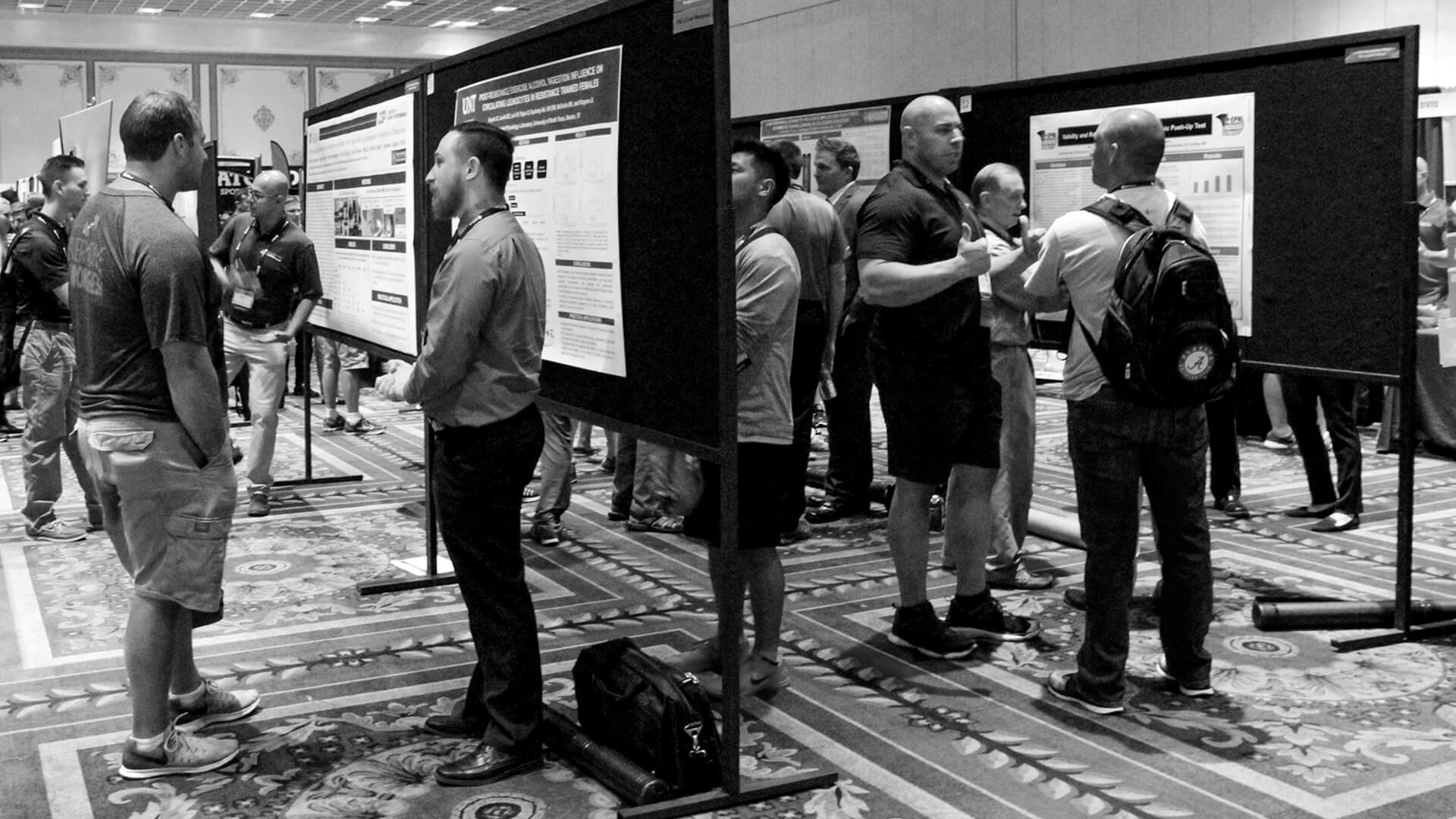
Research abstract presentations are an opportunity to present current research findings to researchers and strength and conditioning professionals at the NSCA National Conference. Abstract submissions are open yearly from November 1 to March 1. Late submissions are not accepted.
The research abstracts are the largest portion of the scientific programs presented every year at the National Conference. Previously presented abstracts (and electronic posters) are available below through our partner, eventScribe. Using eventScribe, you can "bookmark" your favorite poster, attach notes to a poster, and create a personalized summary of the posters that interest you.
Please review the Abstract Submission and Presentation Guidelines.
2025 Student Research Award Winners
Doctoral Podium
| Name | School | Title |
|
Alyssa Parten |
The University of Alabama |
Upper and lower body volume-equated resistance exercise increases post-exercise lipid oxidation in trained eumenorrheic females |
Master’s Podium
| Name | School | Title |
|
Desiree George |
University of Pittsburgh |
The differences between linear position transducer estimated and actual one-repetition maximum back squat |
Doctoral Poster
| Name | School | Title |
|
Megan Thompson |
Oklahoma State University |
Physiological stress accumulation in law enforcement officers across a multi-day active shooter training course |
Master’s Poster
| Name | School | Title |
|
Morgan Britton |
University of North Carolina at Chapel Hill |
What in the health is going on in perimenopause: An evaluation of body composition, physical activity, and symptoms |
Undergraduate Poster
| Name | School | Title |
|
April Krywe |
Creighton University |
The impact of HIIT on muscle function and SERCA1 expression in older adults: A pilot study |
Abstracts Supported by NSCA Foundation Grants
Grants from the NSCA Foundation
Learn more about NSCA Foundation Grants
| 2022 | Body composition and ACFT scores |
| 2022 | Aerobic ability and the ACFT |
| 2022 | Lower body power, grip strength and the ACFT |
| 2022 | Differing hip extensor strategies for lateral versus medial rotation squats |
| 2022 | Parental nutrition knowledge and disordered eating risk in female athletes |
| 2022 | Relationship between muscle morphology, strength, and load-velocity in older adults |
| 2022 | Effect of velocity based training on load velocity profile |
| 2021 | Leukocyte response to high-volume squats: influence of sex |
| 2021 | Tapering increases myosin-heavy chain IIa and maximal strength |
| 2021 | Progressive high-intensity interval on maximal oxygen consumption |
| 2021 | Modified four compartment model measurements in ethnic minority groups |
| 2021 | Performance Recovery Between Men and Women Following Resistance Exercise |
| 2021 | Comparing menstrual status and force development after resistance exercise |
| 2021 | Contraction Specific Muscle Activation of the Elbow Flexors |
| 2021 | Force production recovery following three different fatiguing contraction types |
| 2021 | Isokinetic muscle actions in pre- versus post-pubescent males and females |
| 2021 | Essential amino acids and high-intensity interval training |
| 2021 | Association of muscle quality with phase angle and characteristic frequency |
| 2021 | Continuous cycling training alters motor unit behavior in untrained men |
| 2020 | Sex differences in patterns of muscle activation |
| 2020 | The effects of a seven-week sprint vs Nordic training intervention |
| 2020 |
Practical timing strategies to optimize pre-exercise plasma caffeine concentration |
| 2020 | High-intensity interval training and essential amino acids |
| 2020 | Short-term high-intensity interval training and quadriceps muscle volume |
| 2020 |
Maximal contractions cause similar fatigue regardless of contraction type |
| 2020 | Corticospinal excitability adaptations following six weeks of cycle-based HIIT |
| 2020 | Lower body asymmetries in university athletes |
| 2020 | Aerobic training and motor unit control properties |
| 2020 | Effect of different muscle contraction modes on rapid force capabilities |
| 2020 |
The influence of isometric strength specificity on functional task abilities |
| 2020 | Segmental bioelectrical impedance spectroscopy to assess muscle size and quality |
| 2020 | Changes in strength and soreness following acute exercise |
| 2020 | Physical and mental quality of life in career firefighters |
| 2020 | Corrective exercise programming and functional movement quality of firefighters |
| 2020 | Continuous cycling training and mechanomyographic mean power frequency |
| 2020 | Effects of resistance training in adults with down syndrome |
| 2020 | Sports nutrition knowledge between parents and adolescent female athletes |
| 2020 | Retention of adaptations from a sprint or Nordic training intervention |
| 2019 | Hematological Responses to High-Intensity Interval Training, and Moderate-Intensity Continuous Training |
| 2018 | The Test-Retest Reliability of a Portable Upper-Body Isometric Strength Test in Probation Officers |
| 2018 | The Motor Unit Mean Firing Rate Versus Recruitment Threshold Relationship is Unaffected by Strength and Conditioning Participation in Middle-School Boys |
| 2018 | Nutrient Timing in Resistance-Trained Females and its Effects on Strength, Body Composition, and Acute Metabolic Adaptations |
| 2017 | Effect of Cluster Sets on Movement Mechanics |
| 2017 | Influence of Resistance Exercise and Alcohol on Leukocytes in Females |
| 2017 | Motor Unit Sizes in Overfat Children |
| 2017 | Muscle Quality in Boys |
| 2017 | Effect of Heavy Upper Body Resistance Exercise on Circulating Leukocytes |
| 2017 | Influence of Probiotics on Body Composition in Shift-Workers |
| 2017 | Effects of Hypohydration on Muscular Performance in Females |
| 2016 | Effect of Acute Alcohol Ingestion on Resistance Exercise-Induced Motor Signaling in Men |
| 2016 | The Role of Forskolin Supplementation Supplementation on Resting Skeletal Muscle Cyclicamp Concentration in Humans |
| 2016 | Comparison of On-vs.-Off Duty Sleep, Physical Activity, and Heart Rate Variability in Professional Firefighters |
| 2016 | Ten Weeks Full Squat Training in Persons with Anterior Cruciate Ligament Injury: Preliminary Results |
| 2016 | Glucocorticoid Receptor Content After Heavy Squat Exercise is not Affected By Acute Ethanol Consumption |
| 2016 | General and Sport Specific High-Intensity Interval Training in Youth Taekwondo Athletes |
| 2014 | The Effects of Various Resistance TRaining on Bodyweight, Fat Mass, Body Fat Percentage, and Visceral Adipose Tissue in Physically Active Males |
| 2014 | Effect of Inorganic Nitrite Consumption on Oxygen Consumption During Submaximal Exercise in Trained and Untrained Runners |
| 2014 | Sustainability, Physiological and Perceptual Responses at the Critical Heart Rate During Treadmill Running |
| 2014 | The Acute Effect of Exercise and Nutrition on Energy Expenditure in Women |
| 2014 | Leukocyte 1GF-1 Receptor Expression During Muscle Recovery |
| 2014 | Acute Effects of an Arginine-Based Supplement on Metabolic, Ventilatory, and Neuromuscular Fatigue Thresholds |
| 2013 | Changes in Medal Gastrocnemius Muscle-Tendon Interaction Following 8 weeks of Resistance Training |
| 2013 | The Effect of Training Status and Fatigure on Muscle Length Change During Jumping |
| 2013 | Changes in Medal Gastrocnemius Muscle-Tendon Interaction with an Increase in Movement Frequency |
| 2013 | Evening Protein Consumption and Exercise: Health and Performance Comes |
| 2012 | Post-Workout Considerations for Recovery from Muscle Damage: Nutrient Timing and Chocolate Milk |
| 2012 | Influence of Fatigue on Impulse During Repetitive Hopping |
| 2012 | Changes in Mechanical Efficiency During Repetitive Hopping in Long Distance Runners |
| 2012 | Differential Quadriceps Femoris Muscle-Tendon Unit Anatomical Adaptations in Response to Dquat Versus Jump Squat Training |
| 2010 | Effects of Aging on Intramuscular ATP and Creatine |
| 2009 | The Long-Term Effects Of Resisted Sprint Training Using Weighted Sleds Versus Weighted Vests |
| 2009 | Training Experience Alters Myosin Heavy Chain Relationships With Performance |
| 2008 | Effect of Loading and Deloading on Power Output During the Jump Squat |
| 2008 | Acute High Load, High Power Resistance Exercise Activities a Stress REsponding Signaling Pathway in Male Weightlifters |

- Privacy Policy
- Your Privacy Choices

- Terms of Use
- Retraction and Correction Policy
- © 2026 National Strength and Conditioning Association